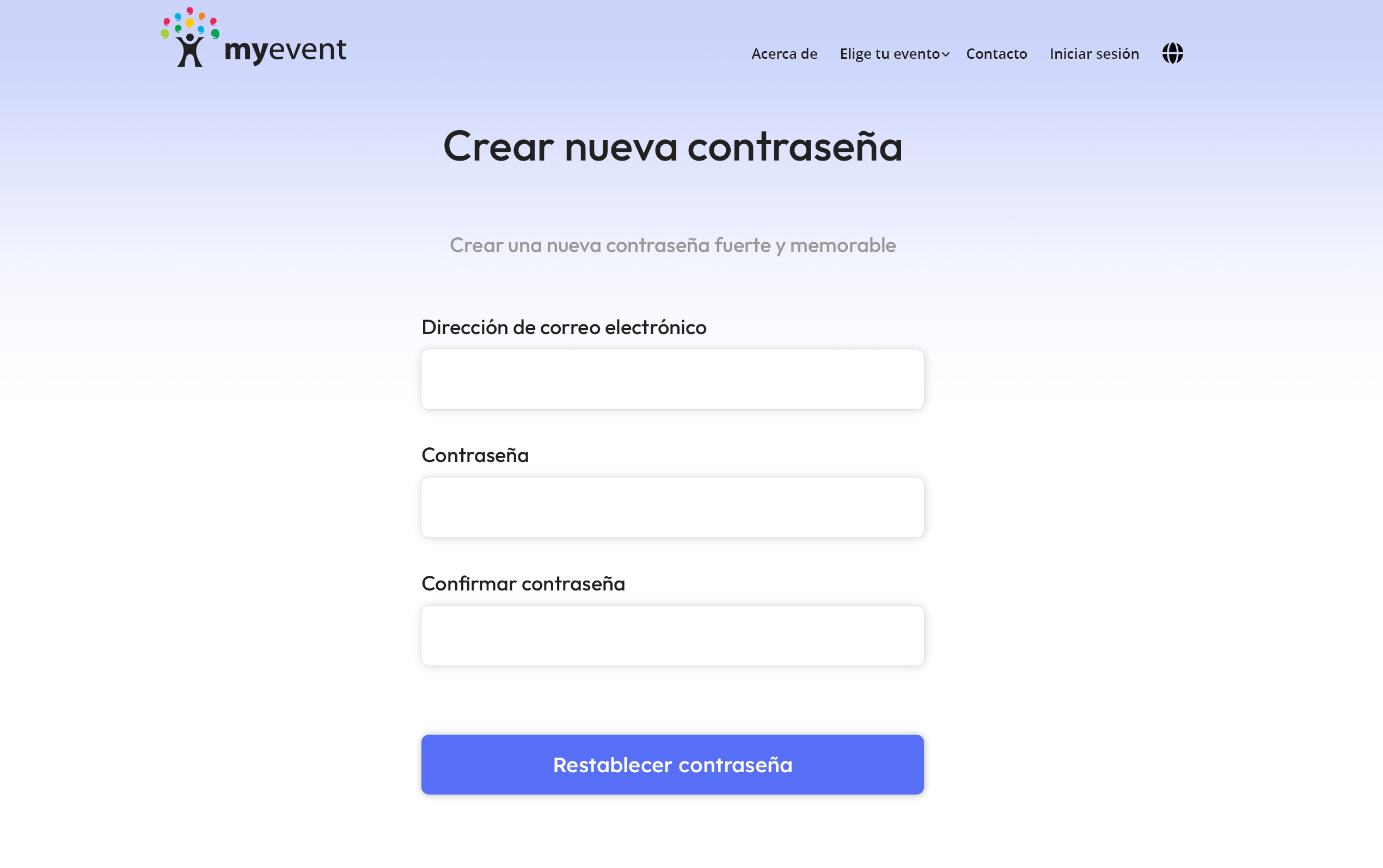
Si olvidó su contraseña, restablecerla es sencillo.
Vaya a https://myevent.com/login:
- Debajo de los campos de inicio de sesión, haga clic en el enlace Forgot Password
- Escriba su dirección de correo electrónico y luego haga clic en el botón Send Password Reset Link
- Revise su correo electrónico para ver el mensaje de restablecimiento de contraseña y haga clic en el enlace del correo para establecer y confirmar una nueva contraseña. Si no encuentra el correo, revise su carpeta de spam.
- Una vez establecido, luego podrá iniciar sesión con su dirección de correo electrónico y la nueva contraseña definida.