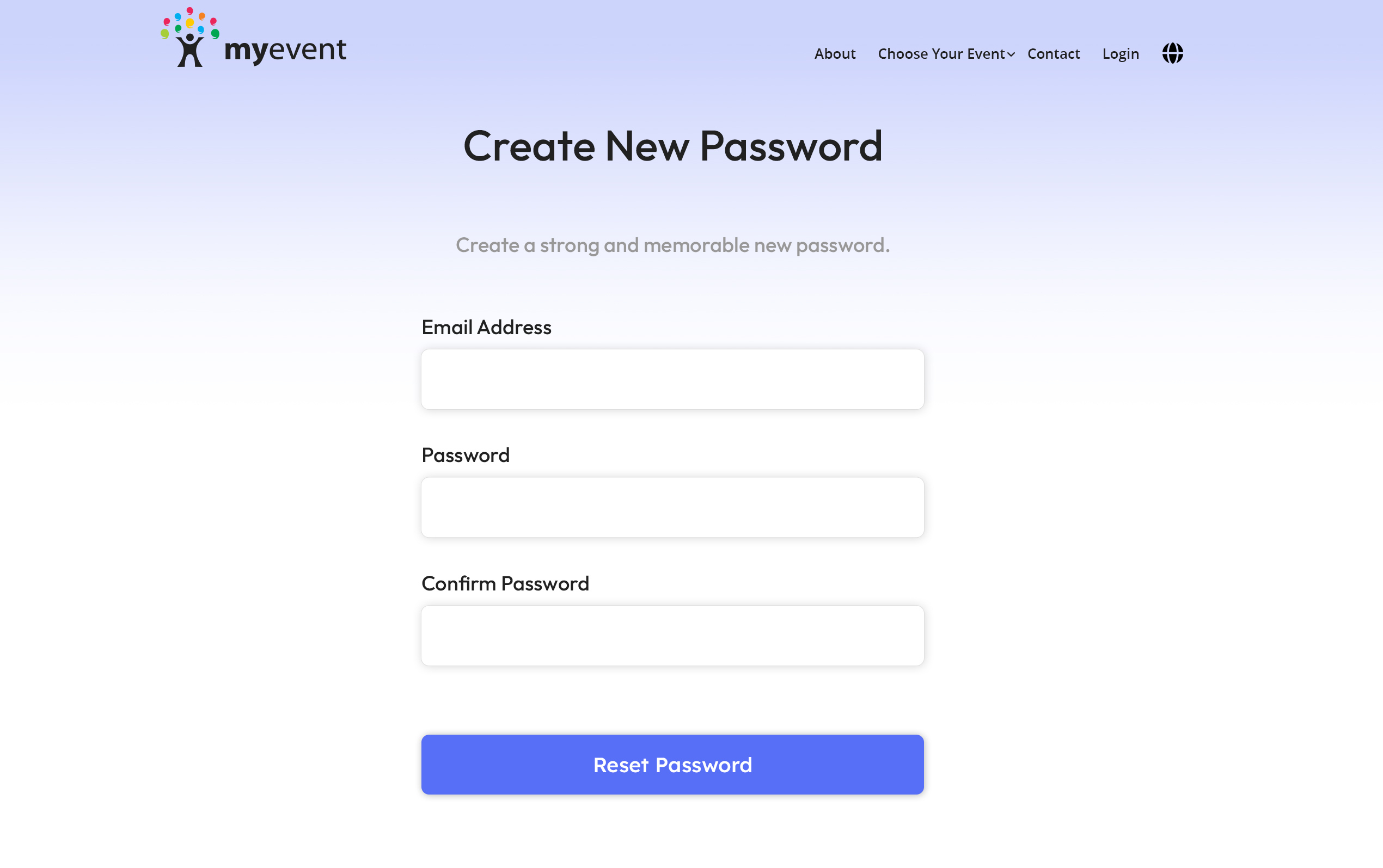
If you forgot your password, resetting your password is simple.
Go to https://myevent.com/login:
- Below the login fields, click the link Forgot Password
- Type in your email address and then click on the Send Password Reset Link button
- Check your email for the reset password message, and click the link in the email to set and confirm a new password. If you can't find the email, check your spam folder.
- Once set, you can then log in with your email address and newly set password.