

To make your website more appealing to visitors, you can always add more menu options to make the navigation easier.
You visit Site Builder > Layout > Header, and click on the option Modify Menu.
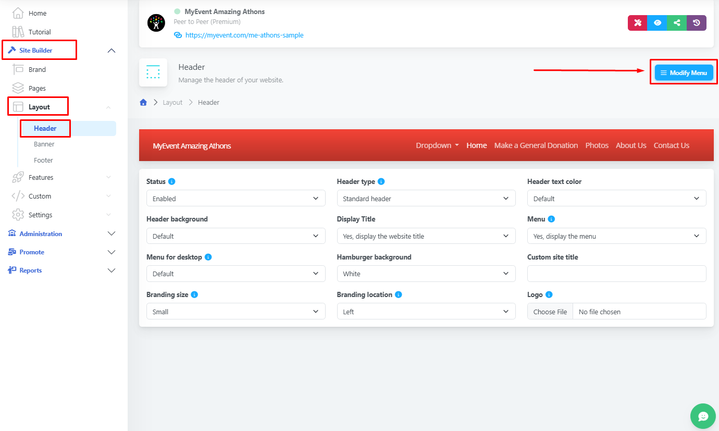
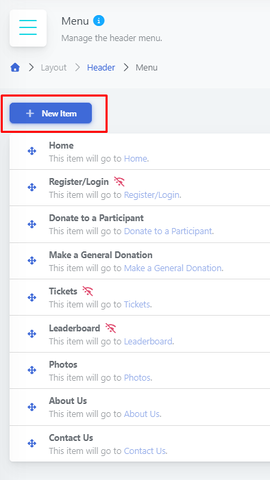
Once you select Modify Menu, you will need to create a New Item.
In the Modify Menu is also the area where you will rename your navigation bar items.
Once created, you can select any of the options, but in this case, we will use the dropdown as an option.
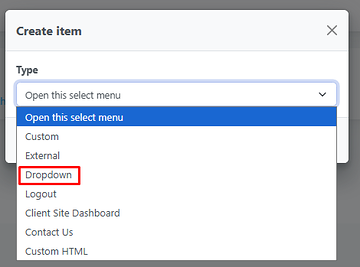 and give it a title.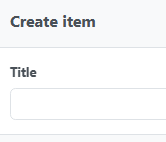
After you give the dropdown a title, you will be able to visualize it in the menu navigation below.
To add a tab to the dropdown, drag and drop the desired tab.
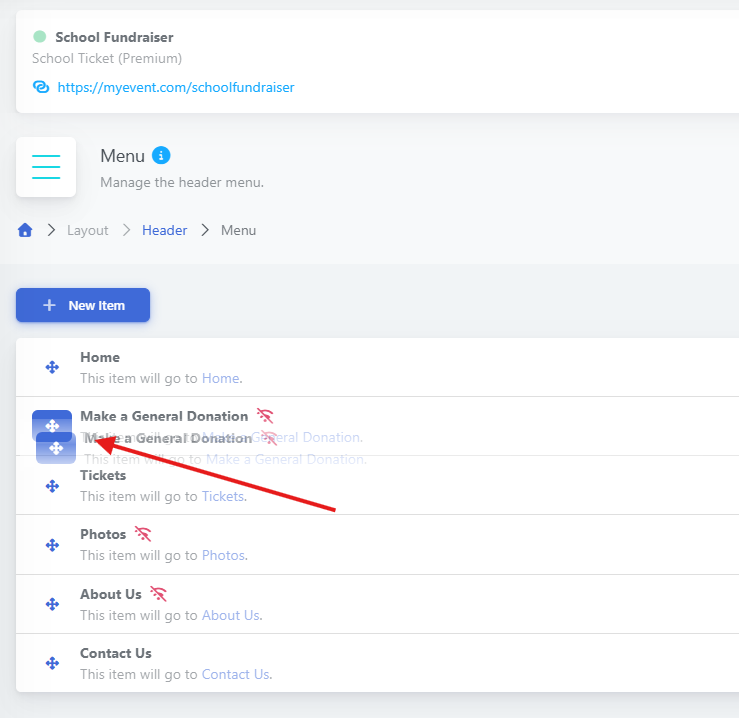
It will be two items.
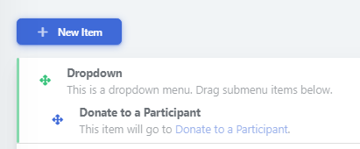
To verify the functionality, visit your website, and you can validate the change.
