You have the freedom to add your own!
The recommended image size for a desktop banner is 1920 wide x 480px high, and the recommended image size for a mobile banner is 768 wide x 768px high.
To customize your banner, visit Site Builder > Layout > Banner
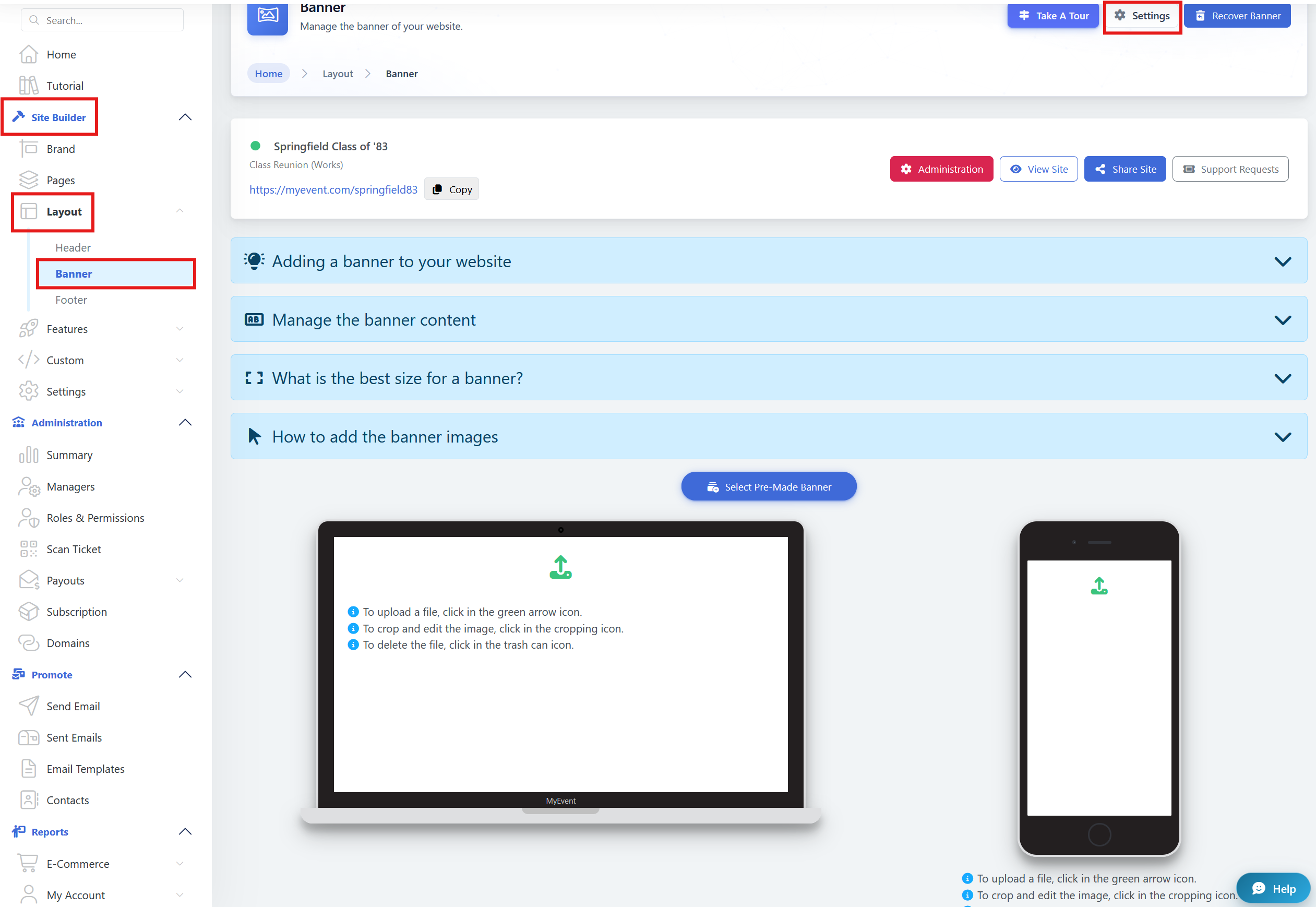
We have a few pre-made banners with multiple categories!

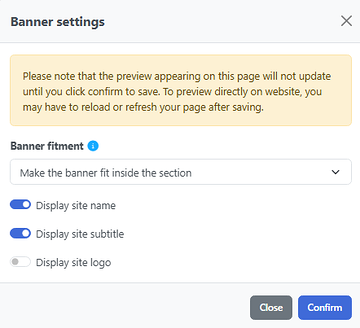
In Settings, you will find the 3 options available. These are the first you will verify after checking the banners.
The Site Logo can be added by visiting Site Builder > Brand; this one cannot be used at the same time as the titles.
The title and subtitle are also available to be changed on Site Builder > Brand.
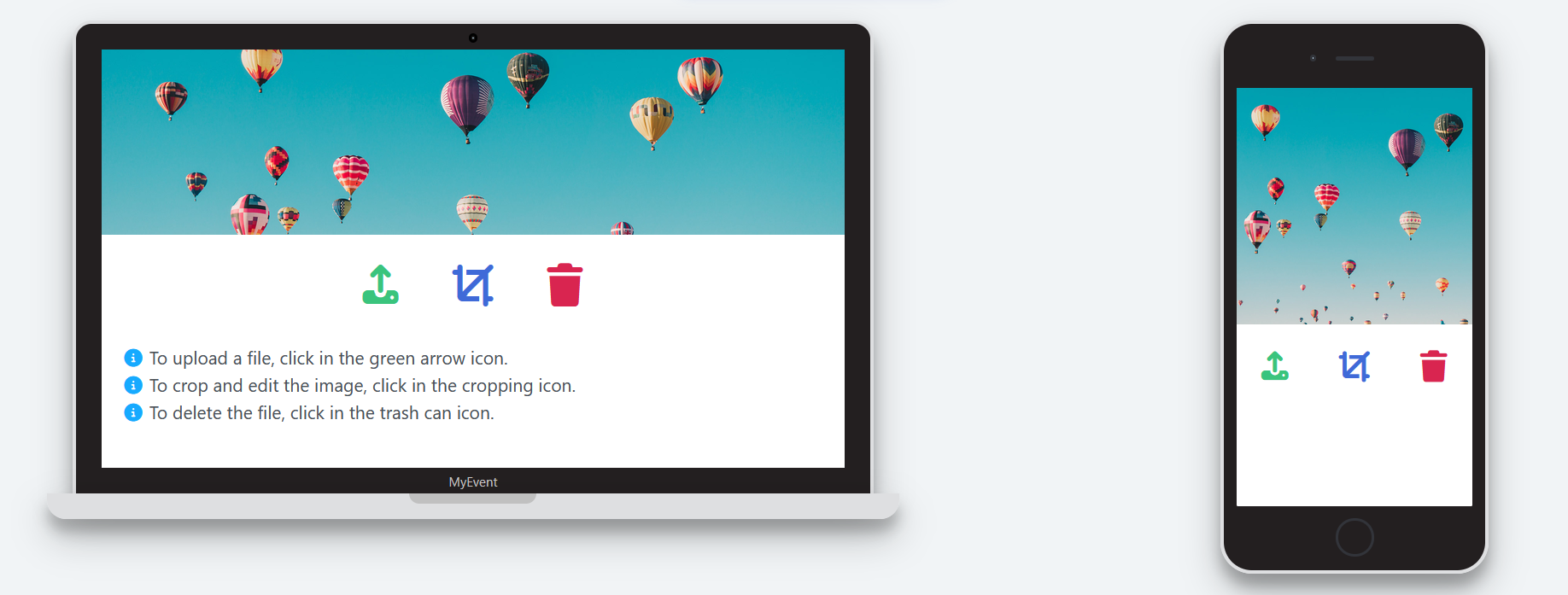
After selecting the banner for both Desktop and Mobile, this is how they would look on the banner page.
When you visit the website, they will be shown as follows.

& 
POV of the Desktop banner and Mobile Banner
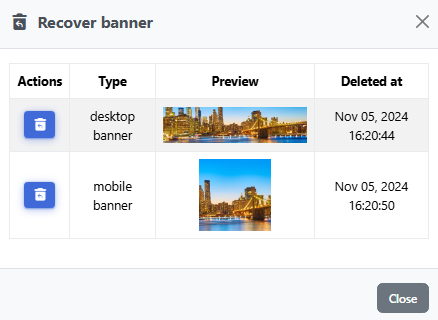
If you accidentally delete a banner, do not worry; you are able to recover it via the Recover Banner option.

Once you select Recover Banner, it will display the options you have deleted in the past.