There are no fees on Offline Ticket sales.
Any funds you collect by check or cash during or after your campaign are all yours; you keep 100% of Offline Ticket Sales!
Entering your Offline Ticket sales in the Dashboard allows you to track your Offline Ticket sales in reports along with your Online sales.
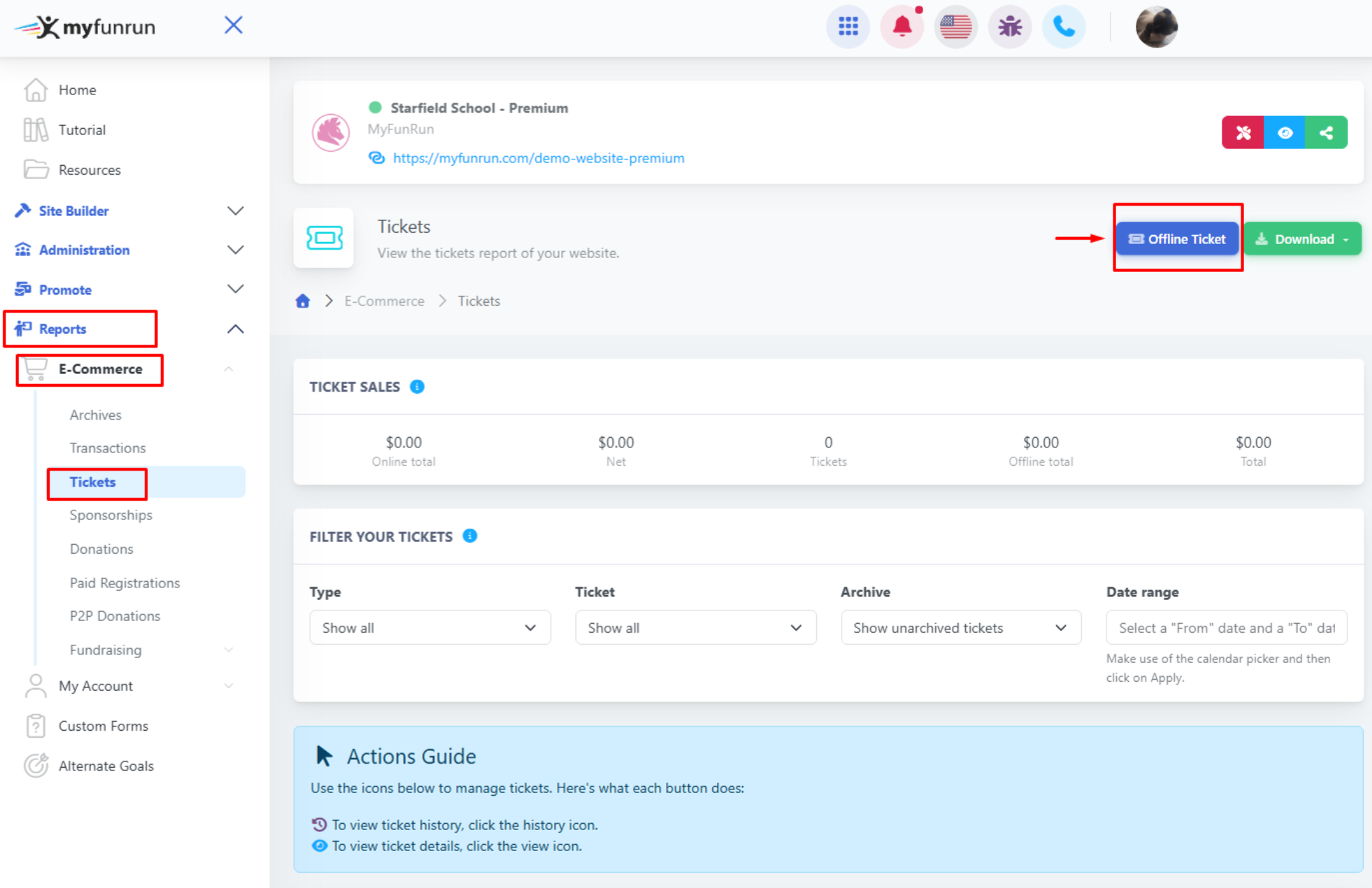
To enter or record an Offline Ticket that was sold, go to Reports → E-Commerce → Tickets, and click the "Offline Ticket" button.
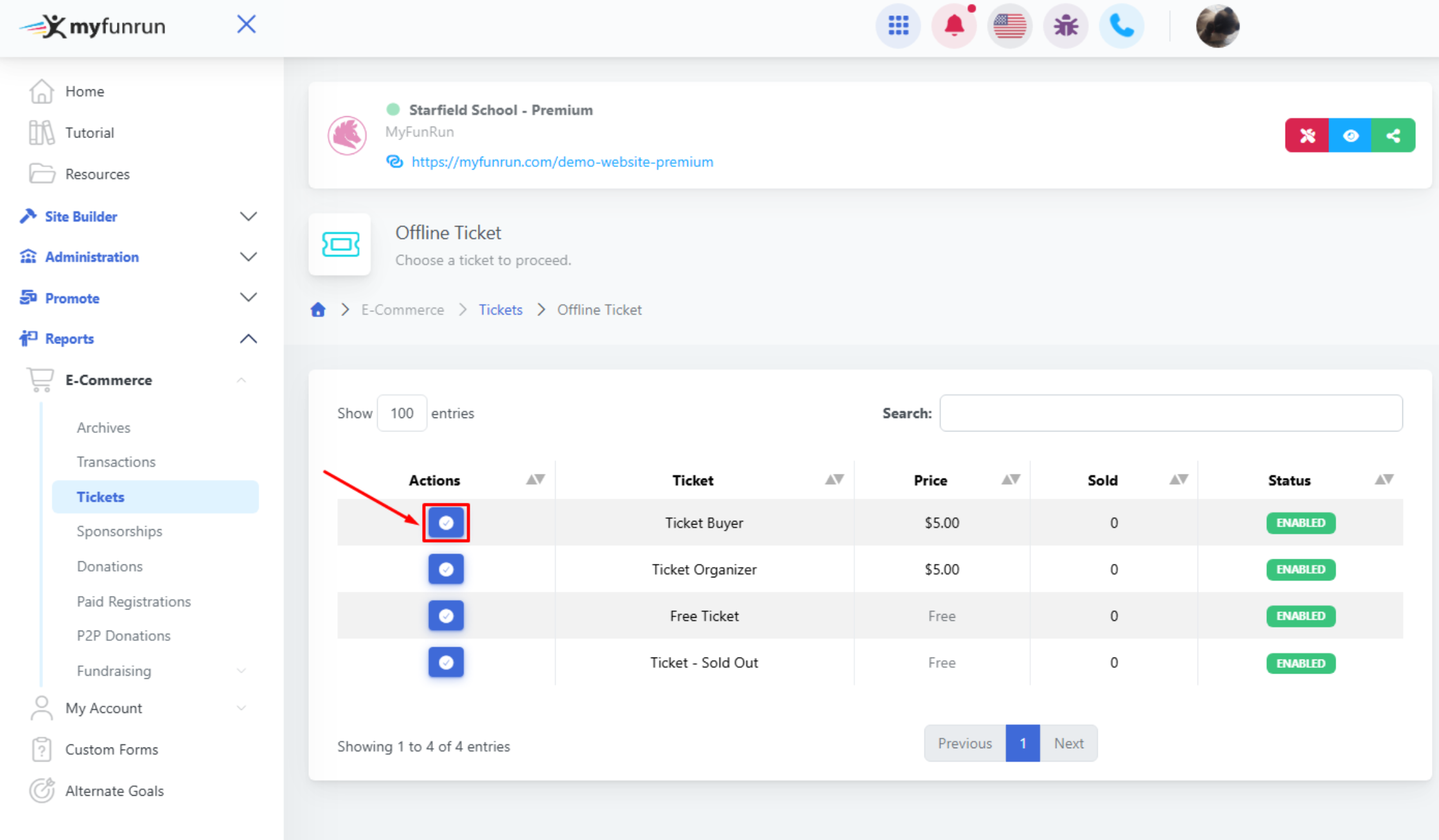
Select the ticket and complete the form.