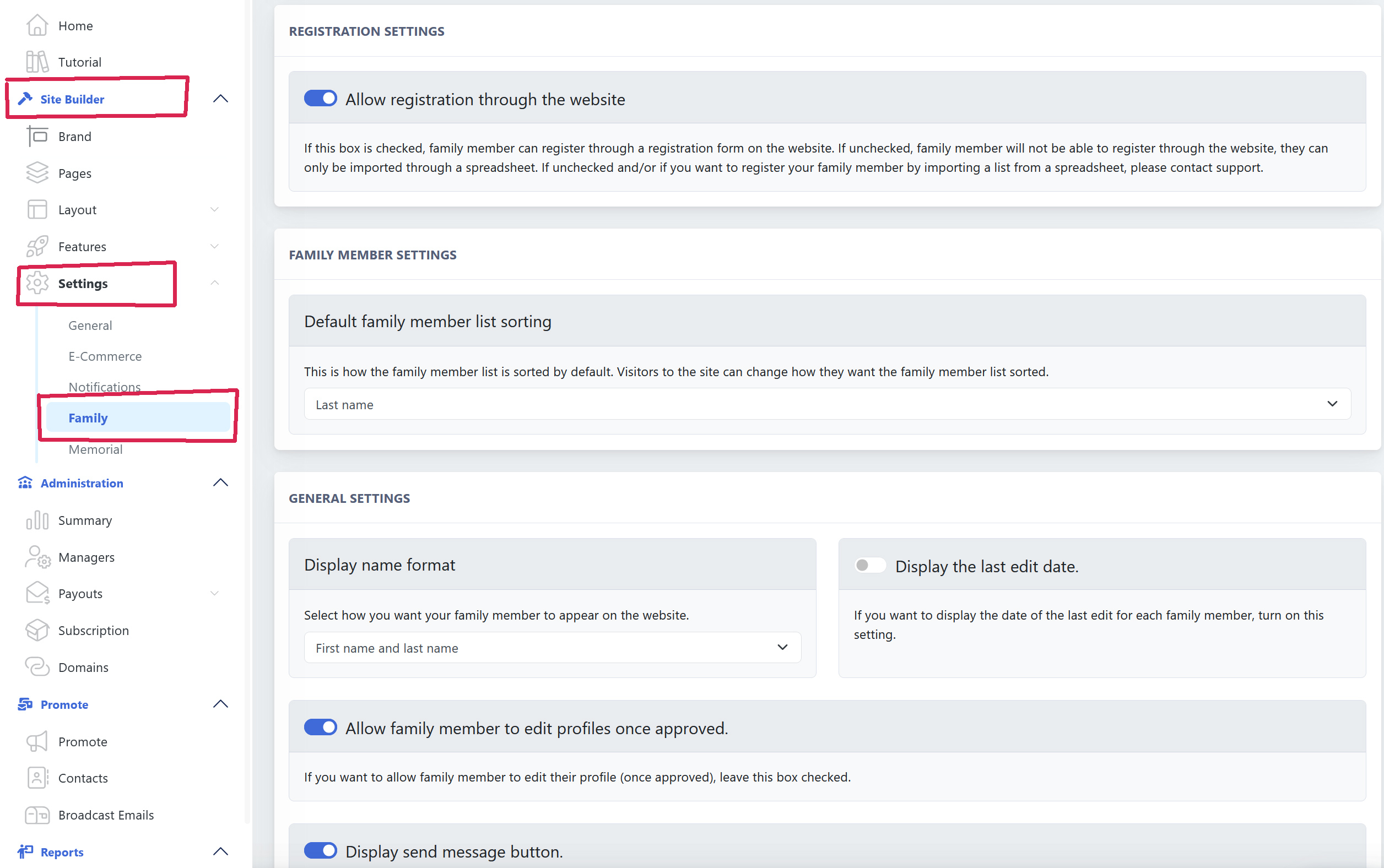

Adding you family's profiles to your Family Reunion website is easy!
To add Family Members Manually:
Go to: Site Builder → Features → Family → Members, and select + New Family Member.
Add the information for the person. Remember, most fields are not required (such as marital status, etc).
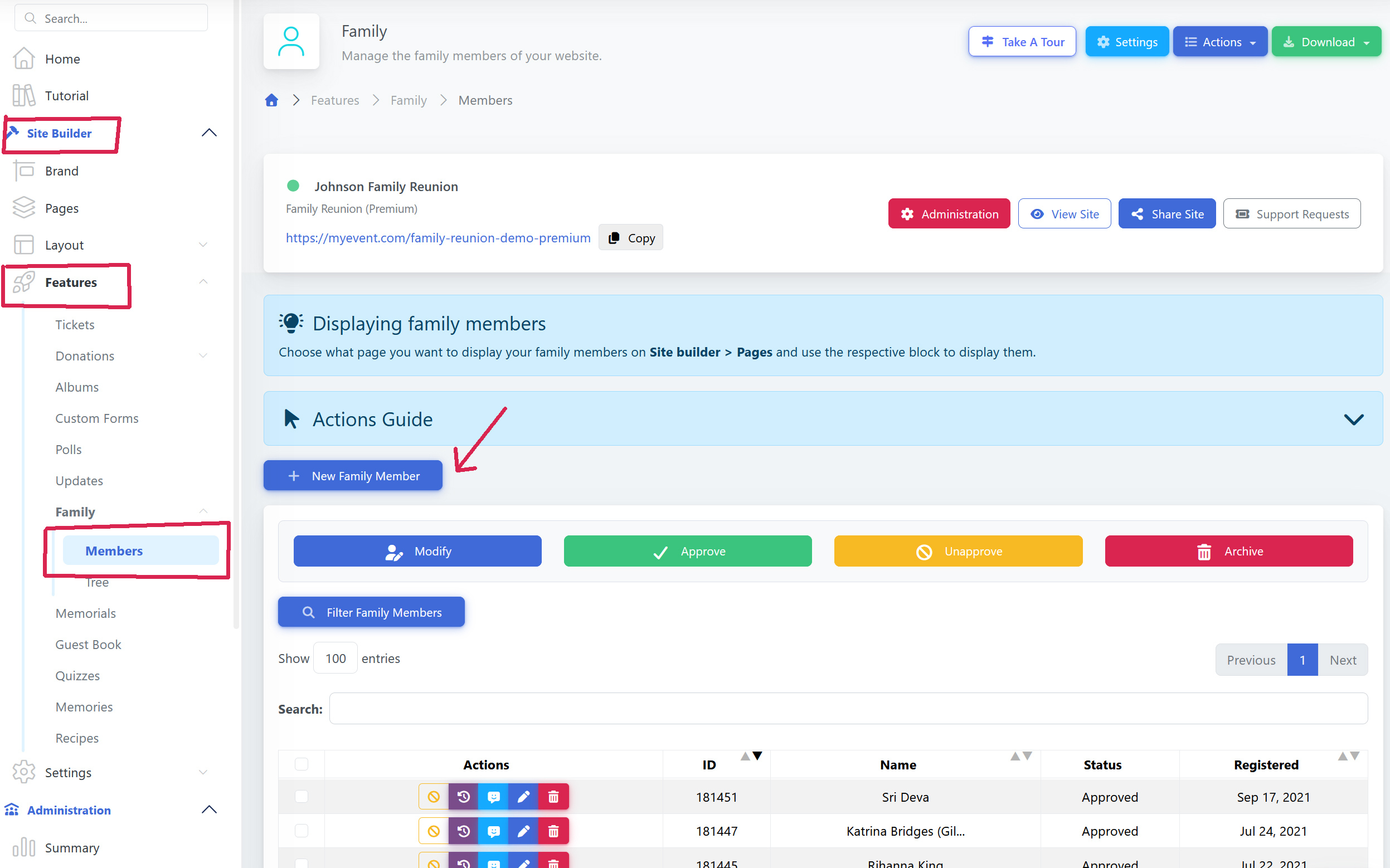
To customize the Family Members Form:
Go to: Site Builder → Settings → Family, you are free to customize the Family Member Profile form and add your own fields at the bottom of the page, on Registration Options.