

Cómo crear una cuenta en MyEvent
Empezar en MyEvent es rápido y sencillo. Siga los pasos a continuación para crear su cuenta y comenzar a construir su sitio web.
Paso 1: Vaya a la página de inicio de sesión
En la página principal de MyEvent, haga clic en Login en la esquina superior derecha de la pantalla.
Paso 2: Elija cómo desea iniciar sesión
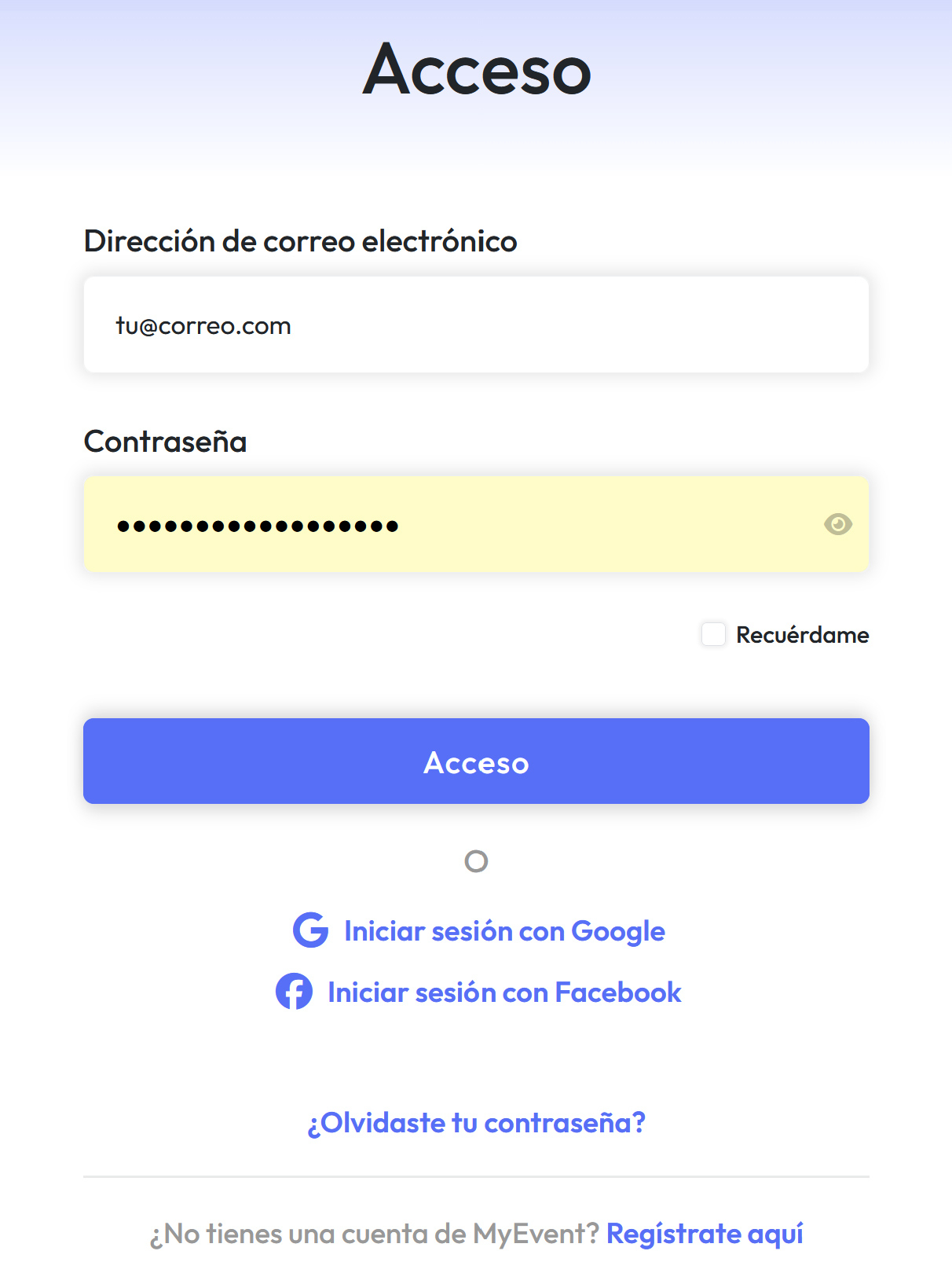
-
¿Ya tiene una cuenta? Solo introduzca sus datos de acceso para iniciar sesión.
-
¿Olvidó su contraseña? Haga clic en ¿Olvidaste tu contraseña? y siga las instrucciones para restablecerla.
-
¿Nuevo en MyEvent? Haga clic en Regístrate aquí para crear una nueva cuenta.
-
También puede registrarse o iniciar sesión con Google o Facebook para una configuración más rápida.
Paso 3: Empiece a crear su sitio web
Una vez que haya iniciado sesión, podrá crear y gestionar su sitio web de MyEvent de inmediato.