Antes de crear páginas, es importante entender que la cantidad de páginas que puedes crear depende del paquete que tengas.
Paso 1: Revisa tu paquete
Cada paquete incluye un límite específico de páginas. Si tienes un paquete Premium, tendrás acceso para crear más páginas en comparación con otros planes.
Paso 2: Accede a la sección Páginas
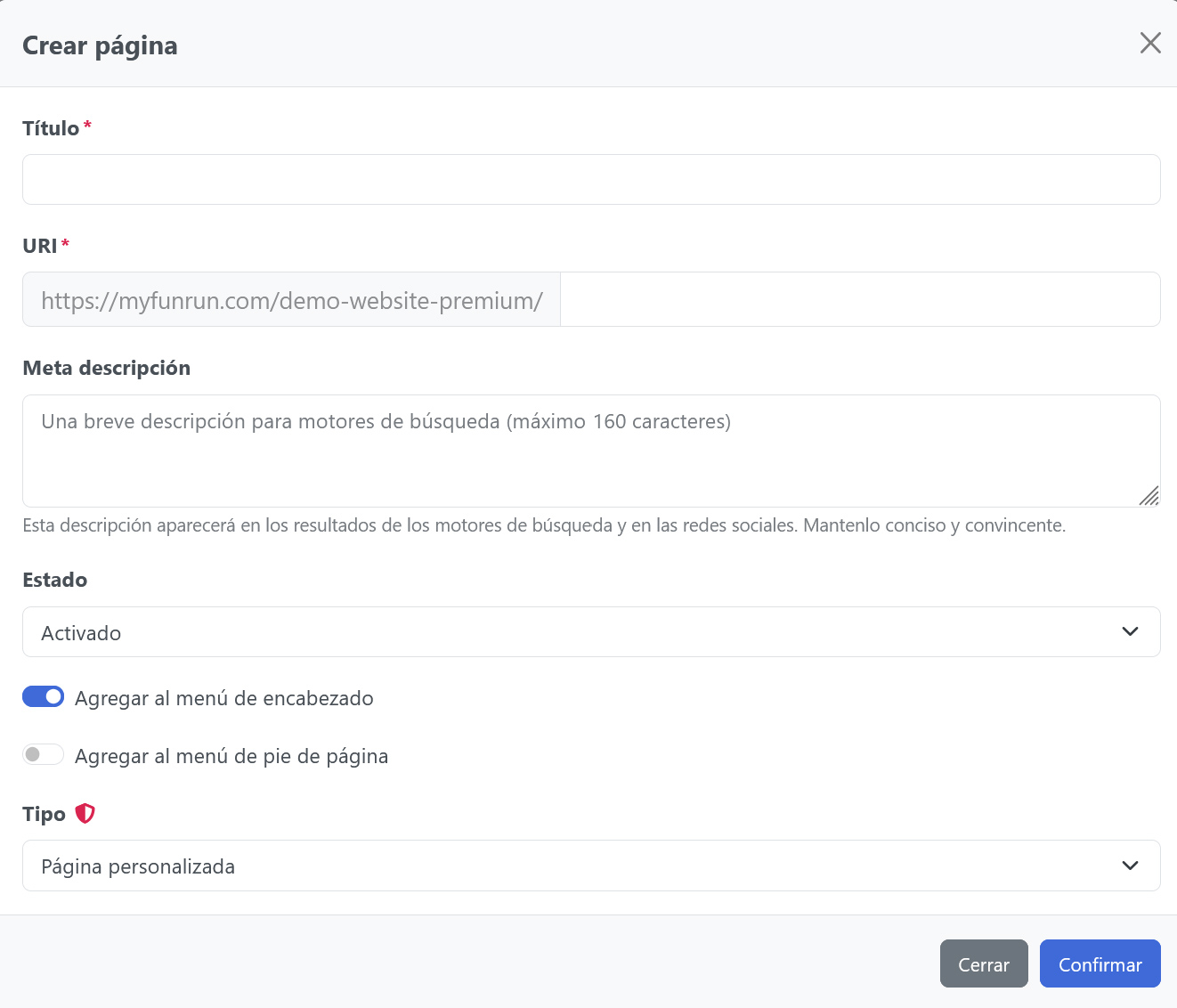
Ve a Creador de sitios > Páginas.
Paso 3: Crea una nueva página
Haz clic en Nueva Página para crear una página, asegurándote de no superar el límite de páginas permitido por tu paquete.
Paso 4 (Opcional): Recupera una página eliminada
Si una página fue eliminada por error, haz clic en Páginas eliminadas en el lado derecho para restaurar la página junto con todo su contenido.
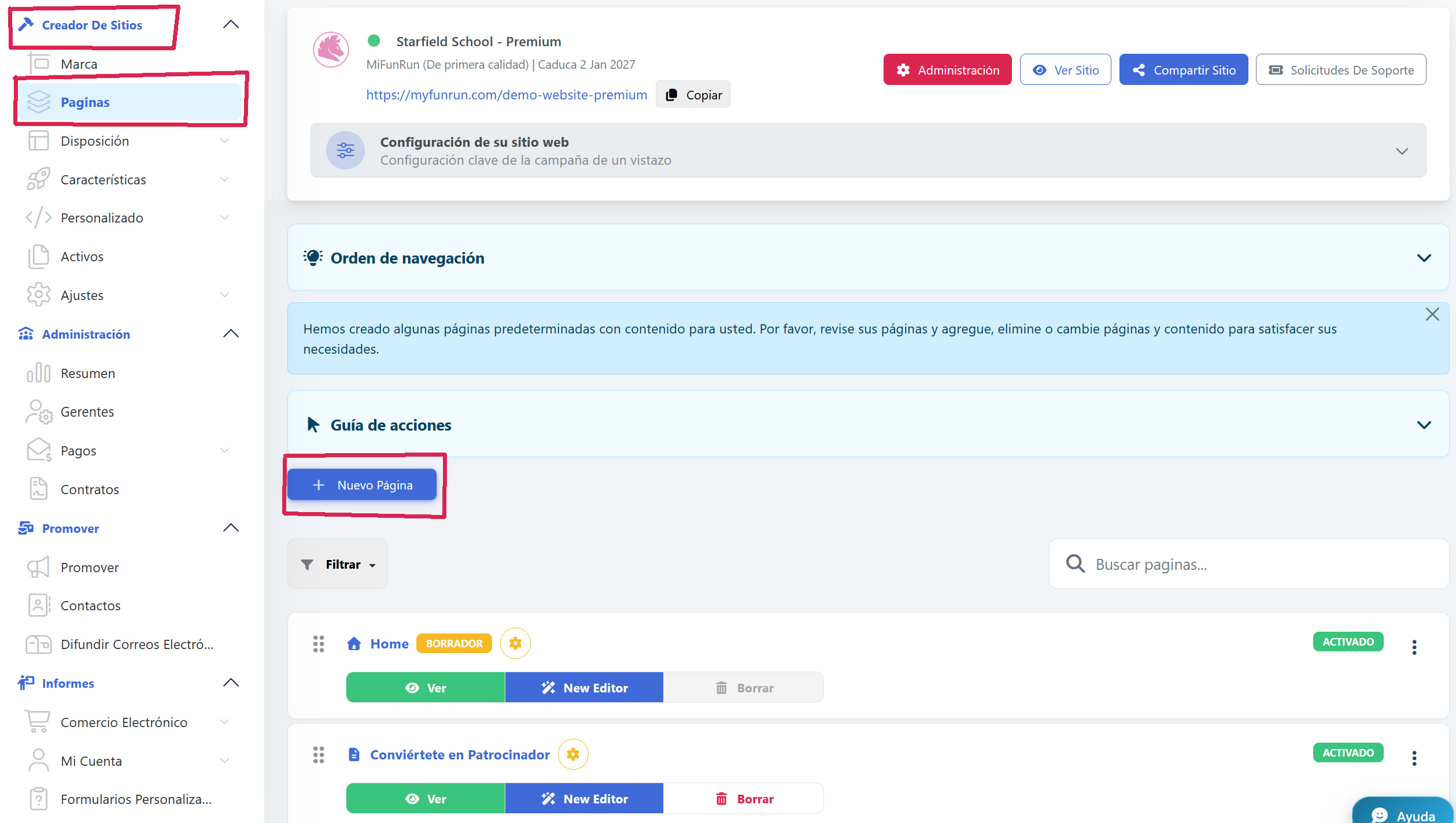
En el formulario de creación, inserta el título de tu nueva página y la URI, que es la URL de la página.
Si deseas desactivar la página y ocultarla al público, puedes hacer clic en Status y seleccionar Activado o Desactivado.