

The payout is the most exciting part of Fundraising!
Only the website owner can request a payout and set up a payout method. Managers will need to contact the owner to complete this step on their behalf.
Step 1) Set up your payout method
Go to Administration → Payouts → Payout Methods.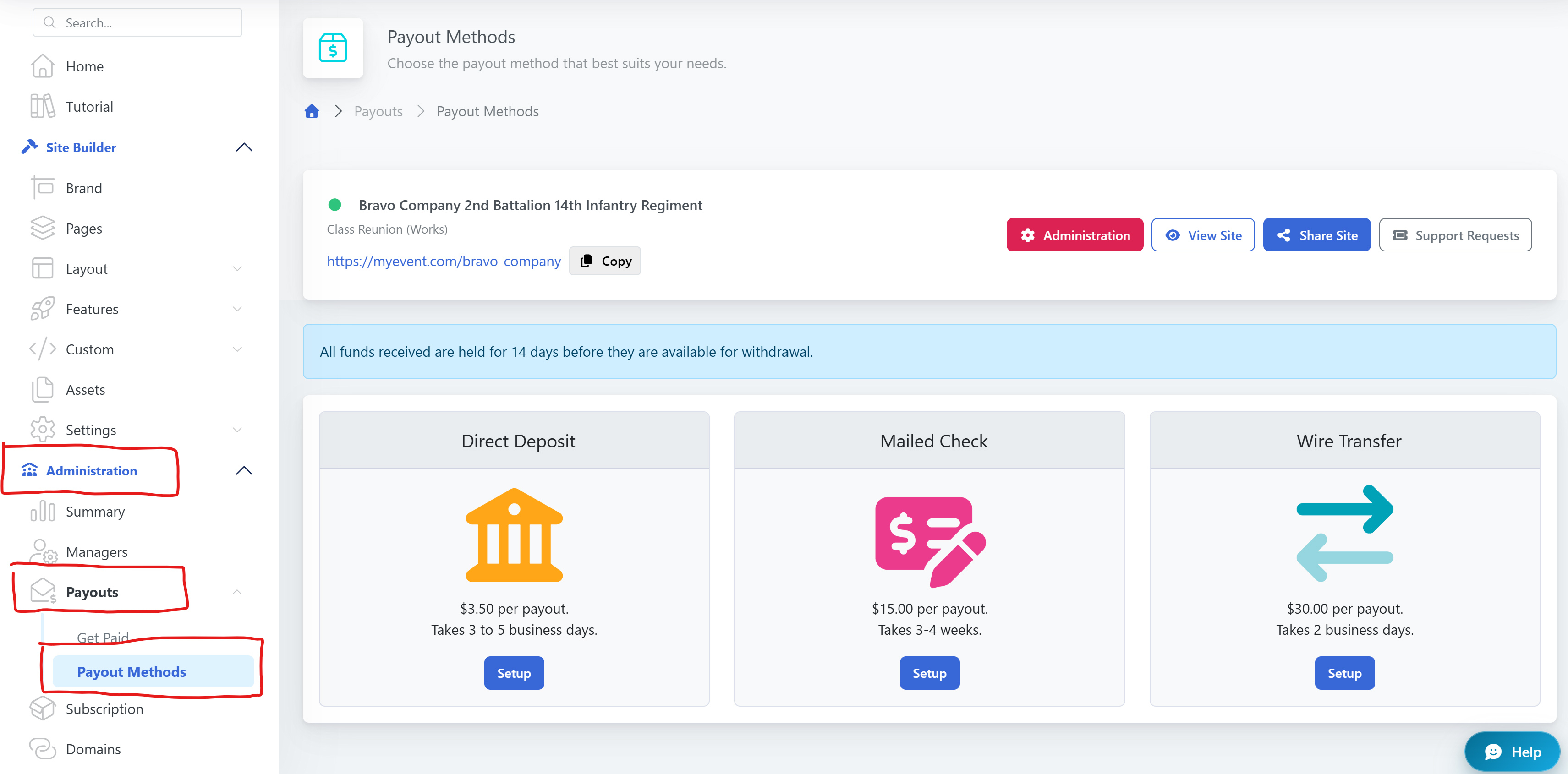
Step 2 ) Get paid
Go to Administration → Payouts → Get Paid and click the Pay me Now button to request your payout.
Some of your funds are/may be on hold. For fraud prevention purposes, each transaction is subject to a 14-day hold period (or 10 business days).
That gives the credit card holder enough time to see their statement and the transaction(s) they made on your site. Occasionally, donors forget they made a donation (or another spouse checks the statement and does not recognize the charge) and then files a chargeback on the transaction, so the hold period exists to try to avoid that.
The easiest way to tell when funds become available for payout, is to go to Reports → E-Commerce → Transactions in your Dashboard, look at the first entry (it's automatically sorted by newest to oldest), and add 14 days to the Date column.