It is easy to reset your password in MyEvent, first of all visit https://myevent.com/login
- Below the login fields, click the link Forgot Password
- Type in your email address and then click on the Send Password Reset Link button
- Important: Using the same device, access your email and click the link in the email to set and confirm a new password
- Once set, you can then log in with your email address and newly set password
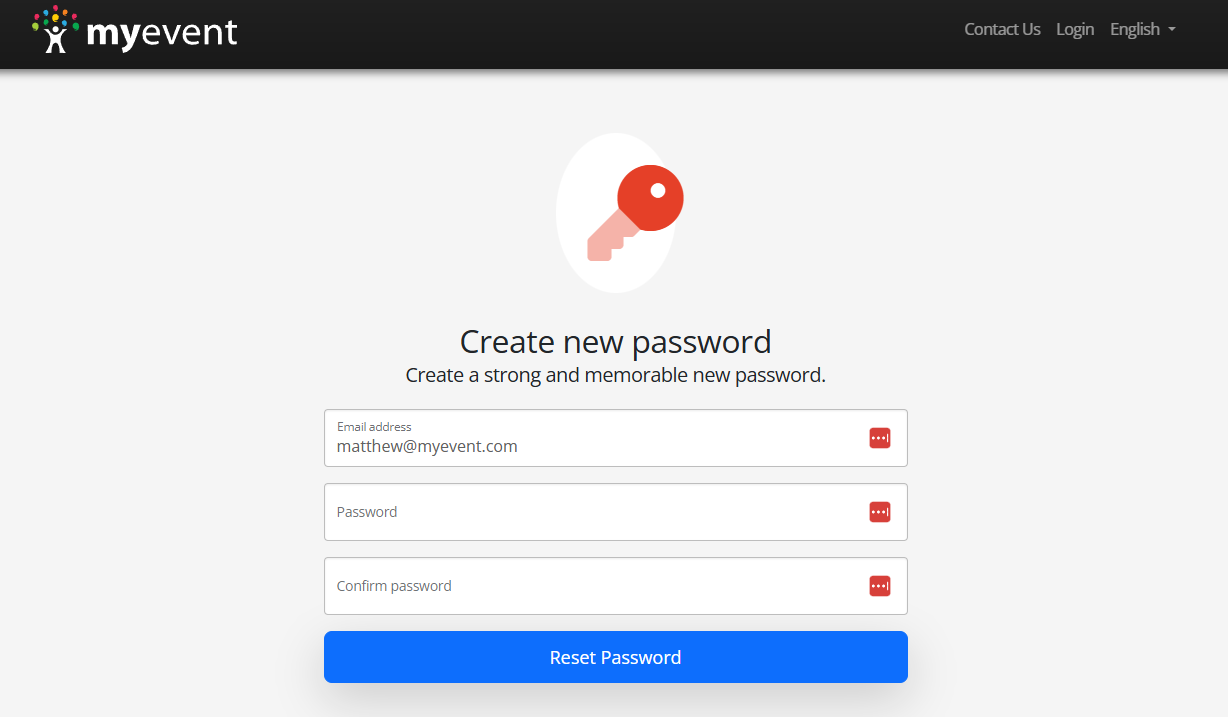
Note: Remember to use the same device to reset your password, receive the confirmation e-mail, and password reset it. For example, complete the whole process on a single laptop, tablet, or phone.
¿Fue útil este artículo?
Pruébalo gratis durante 7 días
No se necesita tarjeta de crédito.
¿Necesitar ayuda?
Comuníquese con nuestro equipo de soporte al número gratuito 1.877.769.3836.