How to Add Family Members

Jan 20, 2026 | 1 Min Read | Télécharger: PDF Word

Adding you family's profiles to your Family Reunion website is easy!


There are 2 ways you can add Family members: Manually one by one, or by a bulk upload of a spreadsheet (CSV file).


To add Family Members Manually: 

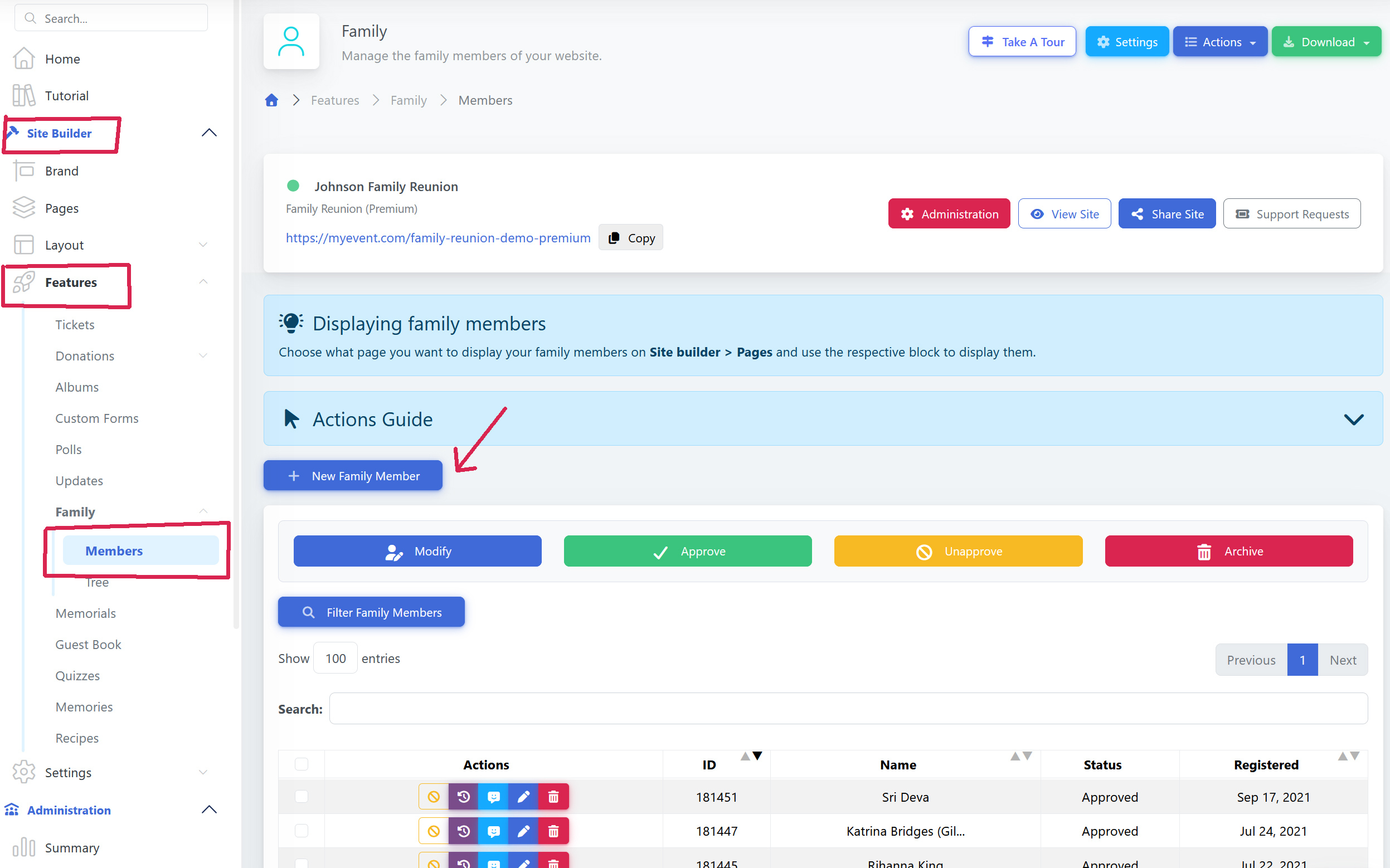
Go to: Site Builder → Features → Family, and select + New Family Member

Add the information for the person. Remember, most fields are not required (such as marital status, etc).


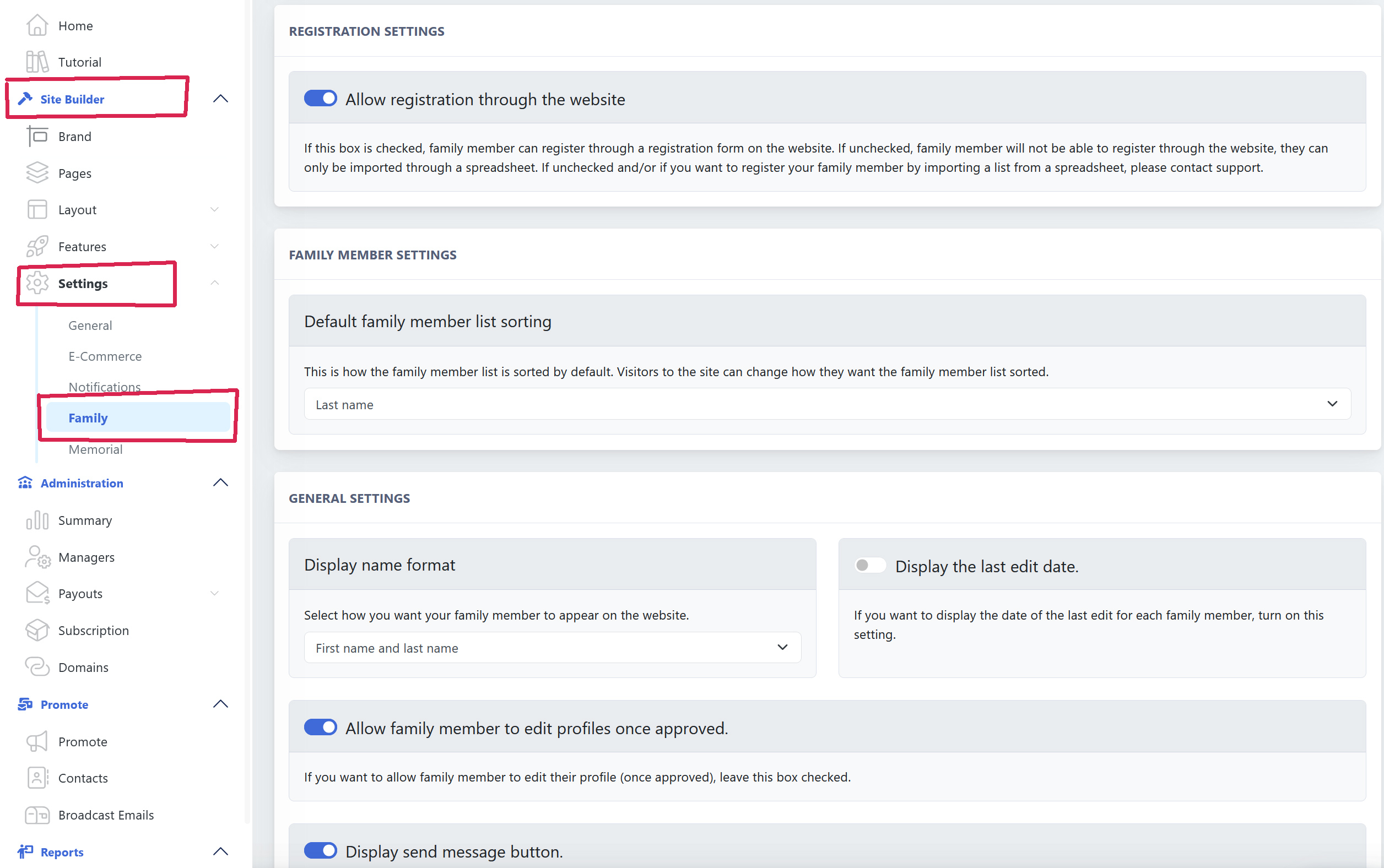
You are free to customize the Family Member Profile form and add your own fields!


To add Family Members via a bulk upload:

Go to: Site Builder → Features → Family, and in the top right of the screen, click the "Actions" button, then "Download Template".


Download the template, and create your list exactly in the same .CSV format (including the heading titles). Keep the same format using all the fields even if you are only adding a name. Not all of the fields are required.


Once you have prepared your .CSV file for upload, click the Actions button again, this time select "Import CSV" and upload your file. Your Family Members .CSV upload will be queued, and should start uploading within a few minutes.

Cet article a-t-il été utile?

Créez votre site Web maintenant

Besoin d'aide ?

Veuillez contacter notre équipe d'assistance sans frais au 1.877.769.3836.