

If you have added classmates or family members to your website and included their email address, they will be able to reclaim and access their profile.
Depending on how your website is set up, visitors can go to either the Register page or the Classmates page. On that page, they will see a login form, similar to the example below.
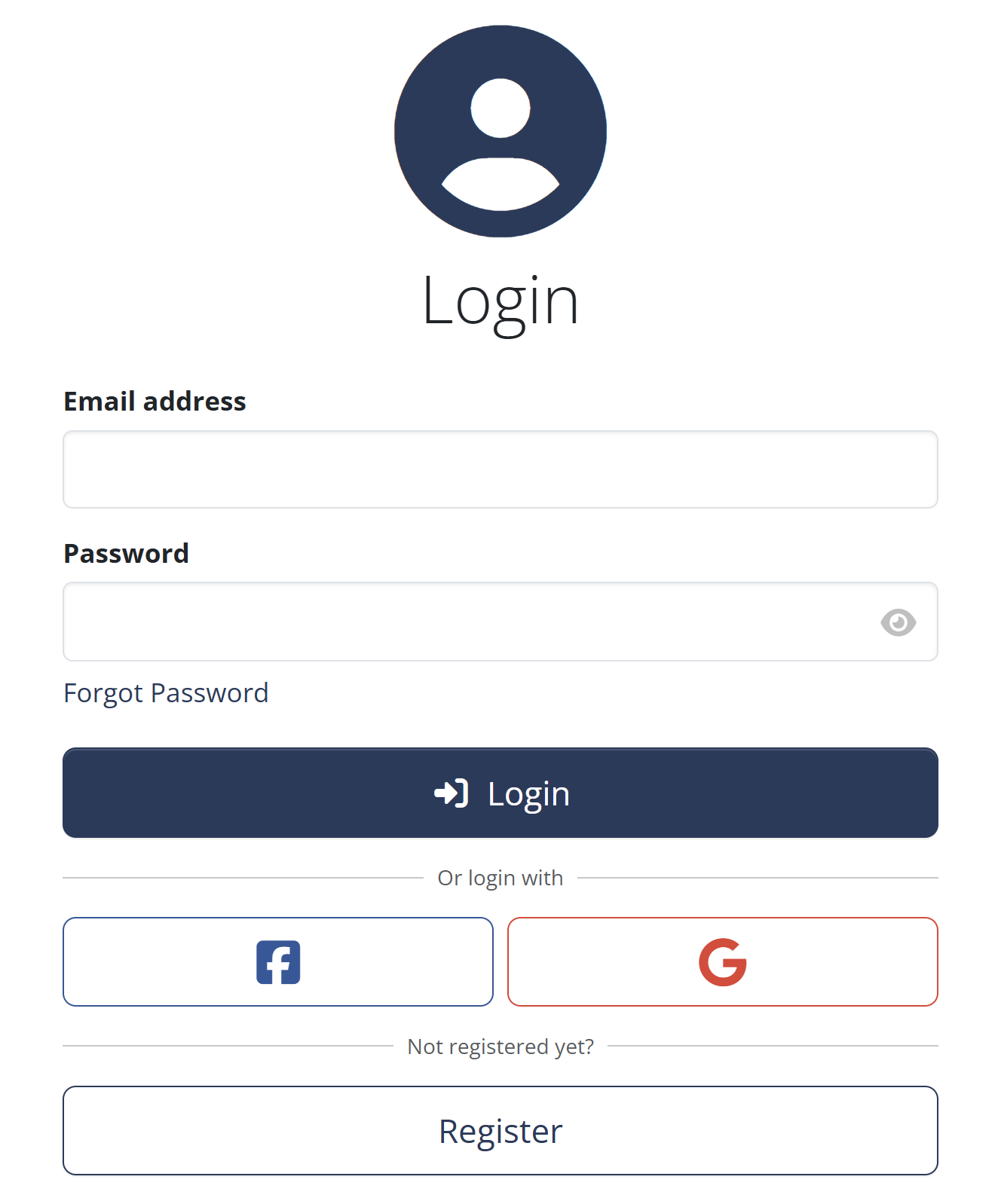
If the user was pre-registered by you, they should click on “Reset Password” and enter the same email address you used when creating their profile.
Once submitted, the user will receive an email with a password reset link.
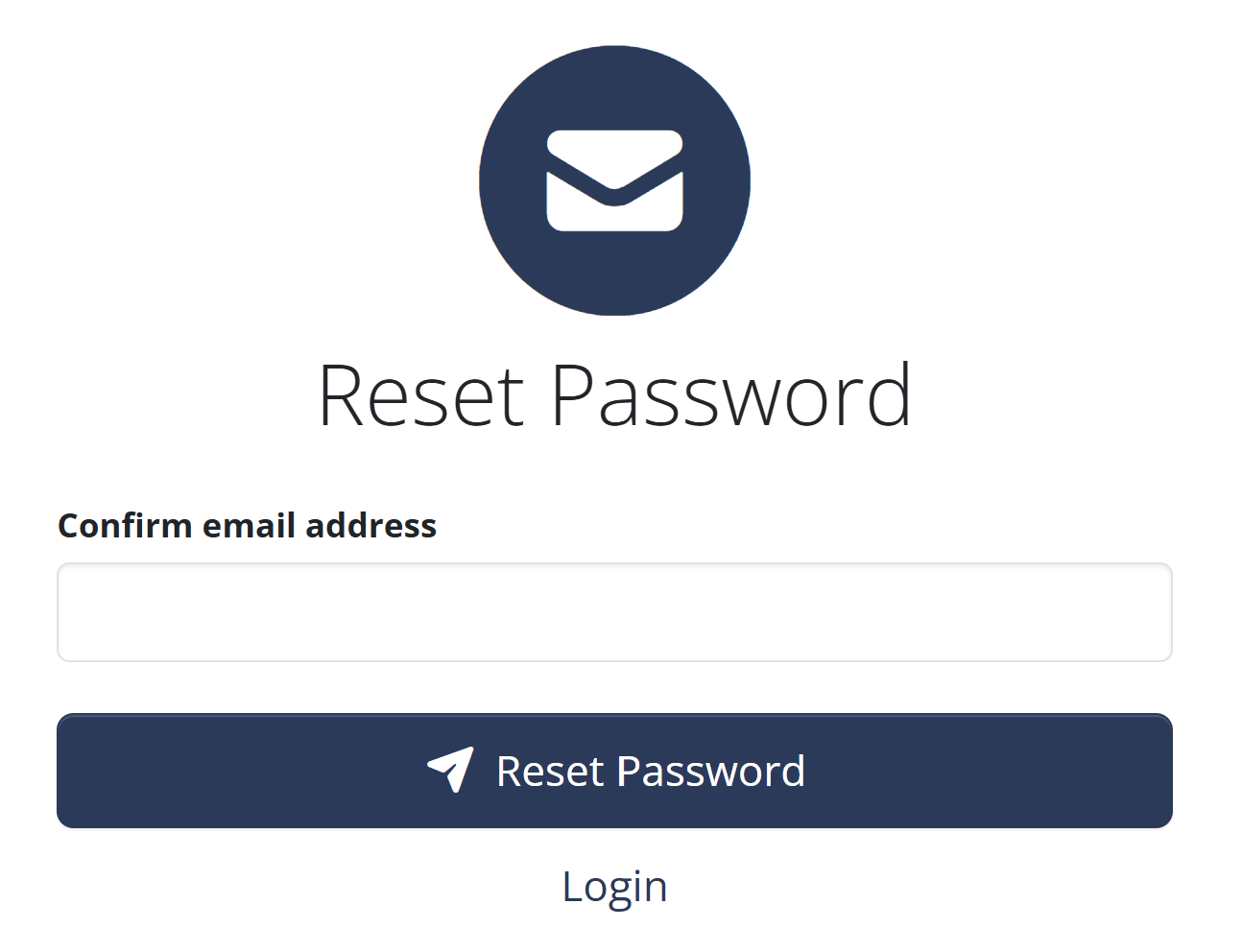
After setting their password, they will be able to log in normally and will have full access to their profile.