

How to Create an Account on MyEvent
Getting started on MyEvent is quick and easy. Follow the steps below to create your account and start building your website.
Step 1: Go to the Login page
On the MyEvent homepage, click Login in the top-right corner of the screen.
Step 2: Choose how you want to sign in
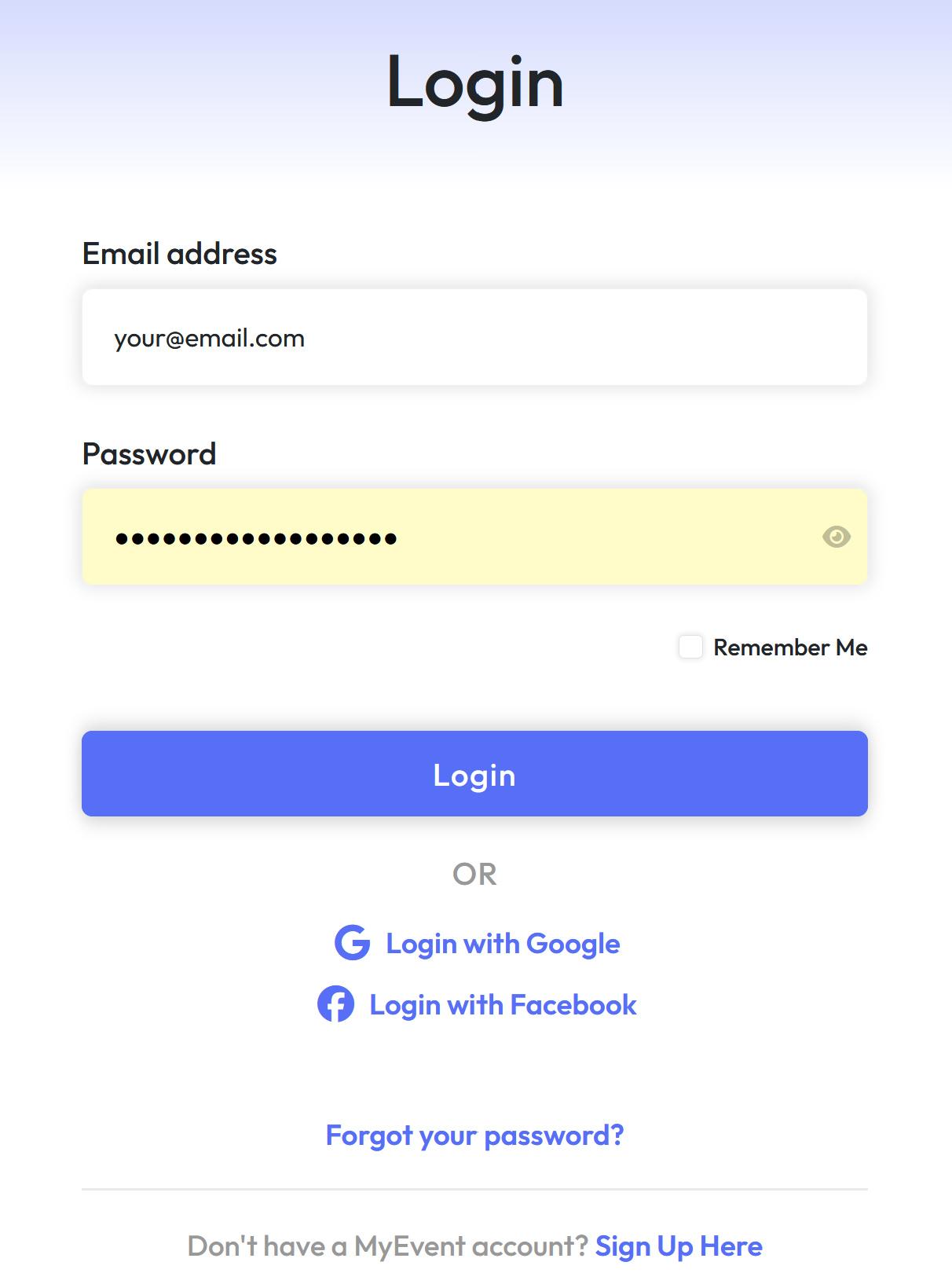
-
Already have an account? Simply enter your login details to sign in.
-
Forgot your password? Click Forgot password and follow the instructions to reset it.
-
New to MyEvent? Click Sign Up Here to create a new account.
-
You can also sign up or log in using Google or Facebook for a faster setup.
Step 3: Start creating your website
Once logged in, you’ll be able to create and manage your MyEvent website right away.